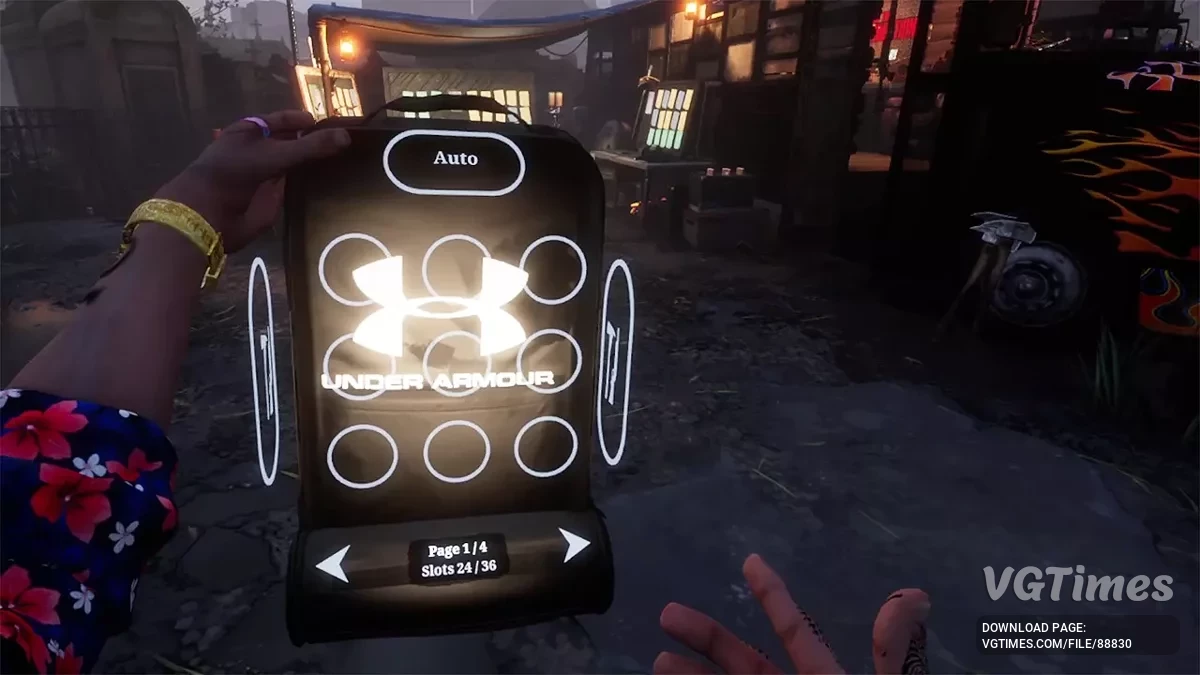
Tabla para Cheat Engine [UPD: 24/04/2020]
![Tabla para Cheat Engine [UPD: 24/04/2020]](https://files.vgtimes.com/download/posts/2020-04/thumbs/1587744510_1587744426_929.webp)

-
1587731368_1587731368_drugdealersimulator_coord_tp_by_sevenlife.zipDescargar (1.15 kB)
¡Hola! este es mi pequeño aporte!
¡La coordenada X Y Z con TP preestablecido!
Simplemente muévete un poco cuando presiones la tecla de acceso rápido para ser teletransportado.
Tecla de acceso rápido Tp:
Ctrl + 1 = Casa segura // Refugio
Ctrl + 2 = casco antiguo al este // Casco antiguo, este
Ctrl + 3 = mercado antiguo // Mercado antiguo
Ctrl + 4 = club nocturno // Club nocturno
Ctrl + 5 = Cementerio // Cementerio
Ctrl + 6 = Dragón // Dragón
Ctrl + 7 = fuera de límite // Más allá de las fronteras
Proceso de inicio:
1. Inicie Cheat Engine, "Cargue" y seleccione la tabla
2. "Seleccione un proceso para abrir", seleccione el proceso deseado.
3. Seleccione la opción deseada y marque la casilla.
Hello there ! this is my little contribution !
The X Y Z coord with preset TP !
Just move a little bit when you press the hotkey to be teleported.
Tp hotkey:
Ctrl + 1 = Safe house // Убежище
Ctrl + 2 = old town east // Старый Город, Восток
Ctrl + 3 = old market // Старый Рынок
Ctrl + 4 = night club // Ночной Клуб
Ctrl + 5 = Graveyard // Кладбище
Ctrl + 6 = Dragon // Дракон
Ctrl + 7 = out of bound // За Границей
Процесс запуска:
1. Запустить Cheat Engine, "Load" и выбрать таблицу
2. "Select a process to open", выбрать нужный процесс.
3. Выбрать нужную опцию, поставить крест.
Archivos relacionados:
Enlaces útiles:



![This Is the Police 2 — Tabla para Cheat Engine [ACTUALIZACIÓN: 05.07.20]](https://files.vgtimes.com/download/posts/2020-07/thumbs/1595057927_zaved75_rlvrzvofrobjug.webp)
![This Is the Police 2 — Tabla para Cheat Engine [UPD: 06.07.2020]](https://files.vgtimes.com/download/posts/2020-07/thumbs/1594718465_screen-18.webp)