
A game by CD Projekt RED, the creators of The Witcher, based on Mike Pondsmith’s Cyberpunk 2020 tabletop game. The player is sent to the year 2077, where their... Leer más

Caminante
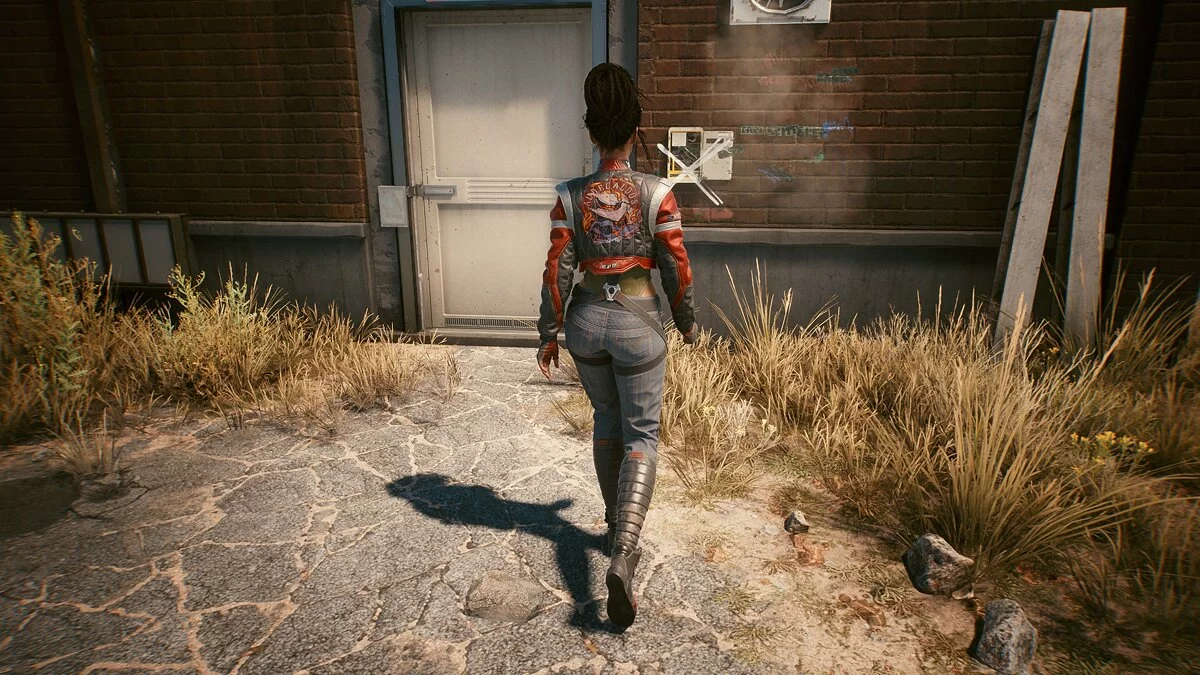
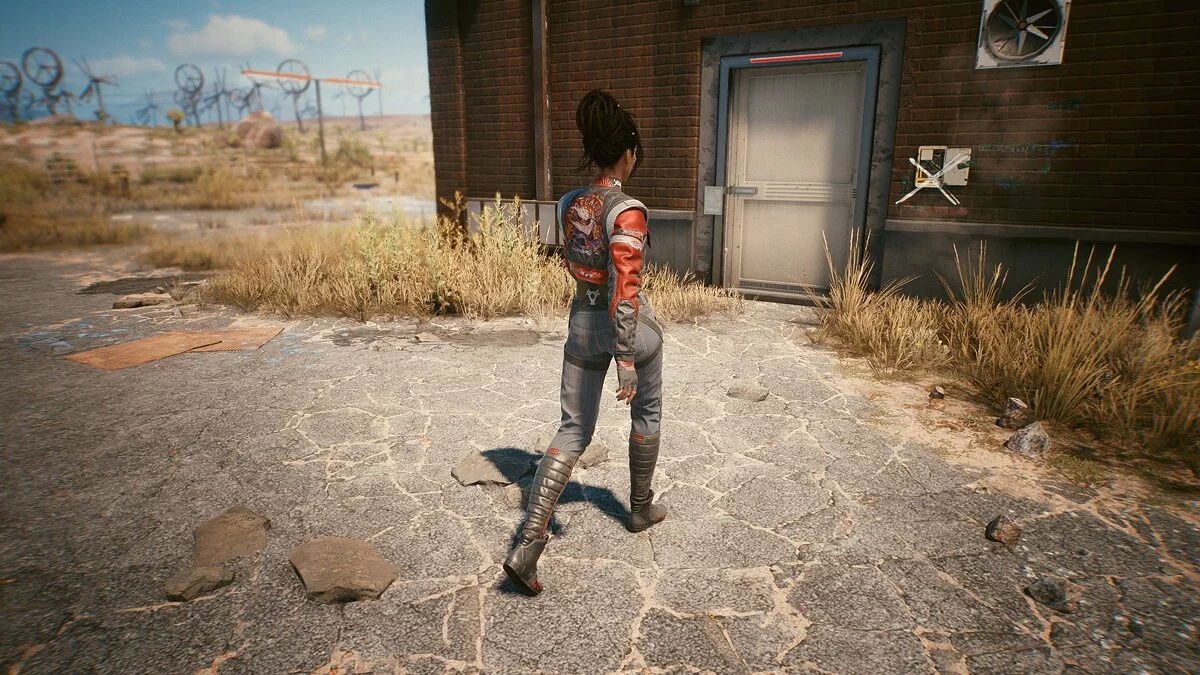


-
www.nexusmods.comDescargar
Caminante (en todas las direcciones).
Muévete en todas las direcciones (incluyendo diagonales), manteniendo presionada la tecla Alt (se puede cambiar en el juego).
Instalación:
1 Descarga el archivo
2 Abre la carpeta / Cyberpunk 2077 / r6 / config
3 Haz una copia de seguridad del archivo inputUserMappings.xml
4 Edita el archivo y reemplaza los bloques de mapeo LeftX_Axis y LeftY_Axis con los bloques del archivo descargado inputUserMappings.txt.
5 Abre la carpeta / Cyberpunk 2077 / r6 / config / settings / platform / pc
6 Haz una copia de seguridad del archivo options.json
7 Edita el archivo, busca «crouchToggle» (Ctrl + F) y coloca el contenido del archivo descargado options.txt entre el bloque «crouchToggle» y el bloque «switchItem».
8 En el mismo archivo, incrementa todas las líneas subsiguientes de «orden» en 1 (van del 9 al 34, luego deben ir del 10 al 35).
Walker (all directions).
Идите во всех направлениях (включая диагонали), удерживая клавишу Alt (можно изменить в игре).
Установка:
1 Скачайте файл
2 Откройте папку / Cyberpunk 2077 / r6 / config
3 Создайте резервную копию файла inputUserMappings.xml
4 Отредактируйте файл и замените блоки сопоставления LeftX_Axis и LeftY_Axis на блоки в загруженном файле inputUserMappings.txt.
5 Откройте папку / Cyberpunk 2077 / r6 / config / settings / platform / pc
6 Создайте резервную копию файла options.json
7 Отредактируйте файл, найдите «crouchToggle» (Ctrl + F) и поместите содержимое загруженного файла options.txt между блоком « crouchToggle » и блоком « switchItem ».
8 В том же файле увеличьте все последующие строки «порядка» на 1 (они идут от 9 до 34, затем они должны идти от 10 до 35).
Enlaces útiles:


![Cyberpunk 2077 — Tabla para Cheat Engine [ACTUALIZADO: 26.10.2023]](https://files.vgtimes.com/download/posts/2023-10/thumbs/tablica-dlja-cheat-engine-upd-26-10-2023_1698400056_642748.webp)

![Cyberpunk 2077 — Tabla para Cheat Engine [UPD: 11.12.2020 - Steam]](https://files.vgtimes.com/download/posts/2020-12/thumbs/1607759311_cyberpunk-2077-pic4_zoom-1500x1500-13698_large.webp)
![Cyberpunk 2077 — Tabla para Cheat Engine [UPD: 15.12.2020 - Steam]](https://files.vgtimes.com/download/posts/2020-12/thumbs/1608109390__115979674_screen-ambushed-en.webp)